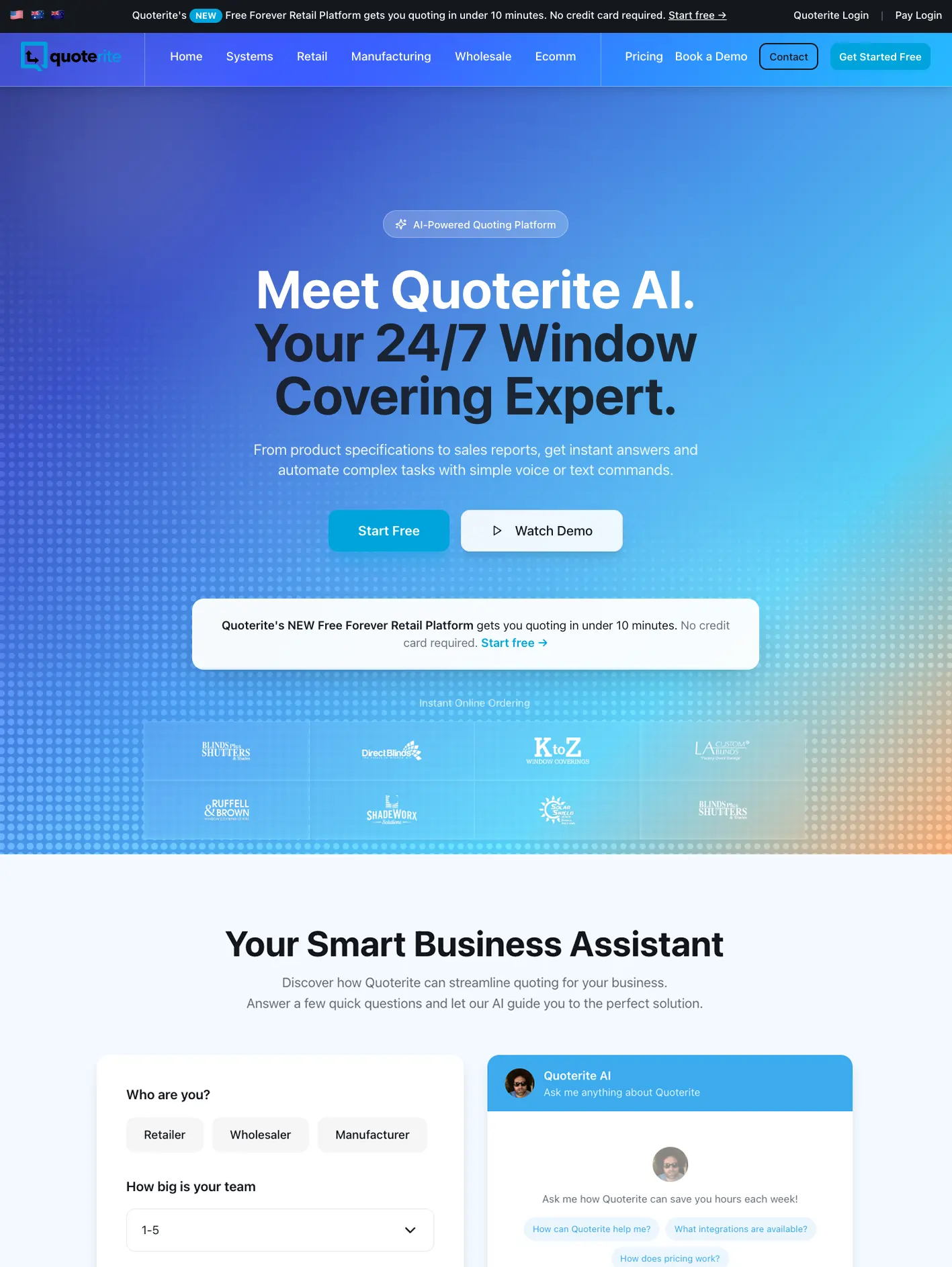
Dynamic Code's Quoterite case study presents an interactive website project covering user experience, interface design, prototypes and development. It is a useful starting point for thinking about how a software website can explain a product through use rather than relying entirely on feature descriptions.
The documented work
The published case describes an interactive web experience with demonstrations and progressive disclosure of information. This summary concerns the website work described by Dynamic Code; it does not claim that the website project includes every part of Quoterite's underlying application.
The distinction matters in a portfolio. A marketing website, a product interface and the service operating behind it can be related deliverables without being the same engagement.
Choose the question the demonstration answers
The following is a design method drawn from that type of work. Start with a question a buyer asks: how does a task begin, what does the product produce, or where does a handoff happen? Build the demonstration around one recognisable sequence.
A visitor should not need to learn the entire application before understanding its value. Show enough context to explain the task and enough output to make the result credible.
Keep the interaction understandable
Give the visitor an obvious starting point and a way to return to it. Use realistic sample information, clearly presented as demonstration data. Preserve a readable explanation for people who do not interact with every control.
Progressive disclosure should reduce the amount someone has to process at once. It should not conceal pricing conditions, limitations or other information needed to make a decision.
Evaluate understanding
Ask someone to explain the product after using the page. Can they describe the task it supports and what they would need to do next? Watch for confusion caused by decorative controls that look functional or demonstrations that imply unavailable features.
Apply the lesson
For your own software website, choose one customer task and make its beginning, action and result visible. The test is whether the interaction makes the product easier to understand. Animation and technical complexity are useful only when they serve that explanation.